📸 Master the basics of Lightroom and finally feel confident editing your photos!
Have you ever opened Adobe Lightroom and immediately felt overwhelmed by all the sliders, panels, and settings? This workshop is designed to take away the confusion and help you build a strong foundation for editing your images from start to finish.
In this 90-minute session, I’ll walk you through my Lightroom workflow step-by-step starting with the very basics. We’ll cover how to import your photos, organize your library, navigate the Lightroom workspace, and understand what all those editing tools actually do.
We’ll break down the main editing panels, including light, colour, masking, presets, and more, so you don’t just learn which sliders to move. By the end, you will understand how and why they change your image.
Whether you’re brand new to photography, just starting your editing journey, or have been playing around in Lightroom but want a clearer workflow, this workshop is designed to give you the tools and confidence to bring your photos to life.
📍 Online via Google Meet
📅 June 19th
⏰ 10:00 - 11:30 am Sydney time
💻 You’ll need Adobe Lightroom (Cloud version) downloaded before the session.
Can’t make it live or want to watch it again? The session will be recorded and shared with registered participants for one week after the workshop.
Bring your photos, your questions, and get ready to finally make Lightroom feel simple! ✨
📸 Master the basics of Lightroom and finally feel confident editing your photos!
Have you ever opened Adobe Lightroom and immediately felt overwhelmed by all the sliders, panels, and settings? This workshop is designed to take away the confusion and help you build a strong foundation for editing your images from start to finish.
In this 90-minute session, I’ll walk you through my Lightroom workflow step-by-step starting with the very basics. We’ll cover how to import your photos, organize your library, navigate the Lightroom workspace, and understand what all those editing tools actually do.
We’ll break down the main editing panels, including light, colour, masking, presets, and more, so you don’t just learn which sliders to move. By the end, you will understand how and why they change your image.
Whether you’re brand new to photography, just starting your editing journey, or have been playing around in Lightroom but want a clearer workflow, this workshop is designed to give you the tools and confidence to bring your photos to life.
📍 Online via Google Meet
📅 June 19th
⏰ 10:00 - 11:30 am Sydney time
💻 You’ll need Adobe Lightroom (Cloud version) downloaded before the session.
Can’t make it live or want to watch it again? The session will be recorded and shared with registered participants for one week after the workshop.
Bring your photos, your questions, and get ready to finally make Lightroom feel simple! ✨

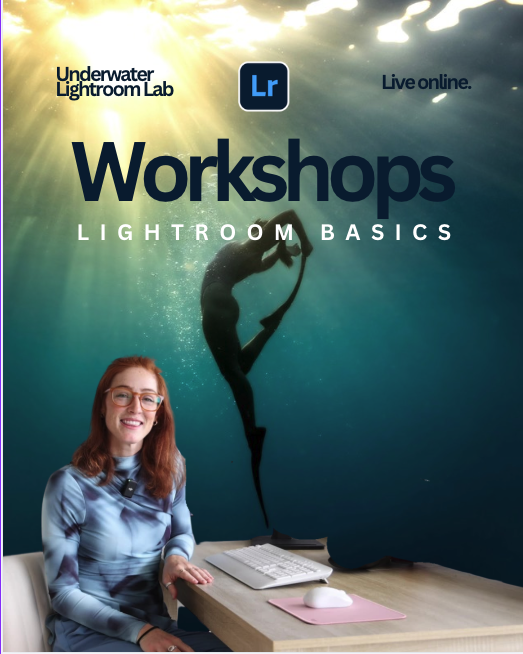 Image 1 of 4
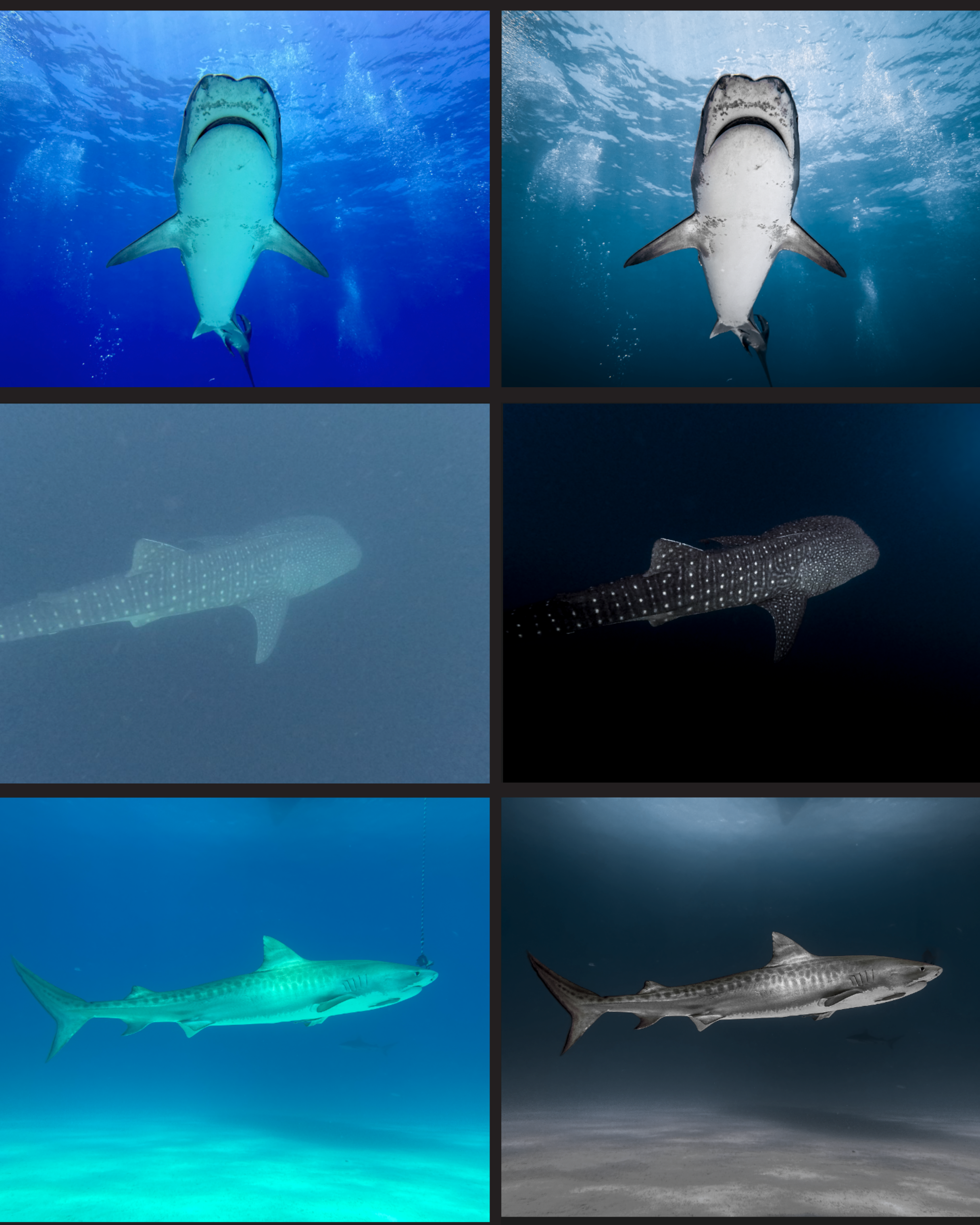 Image 2 of 4
 Image 3 of 4
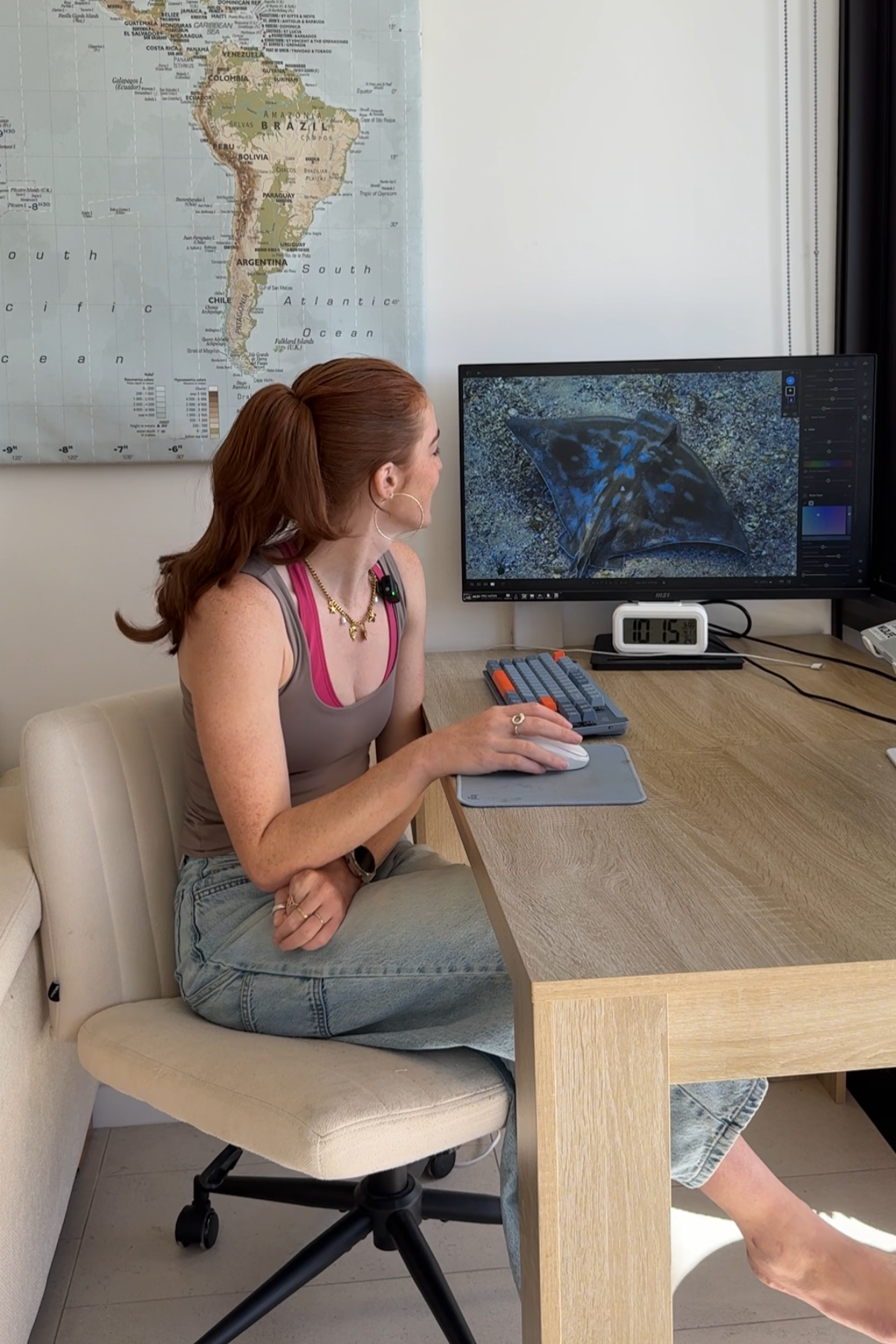 Image 4 of 4